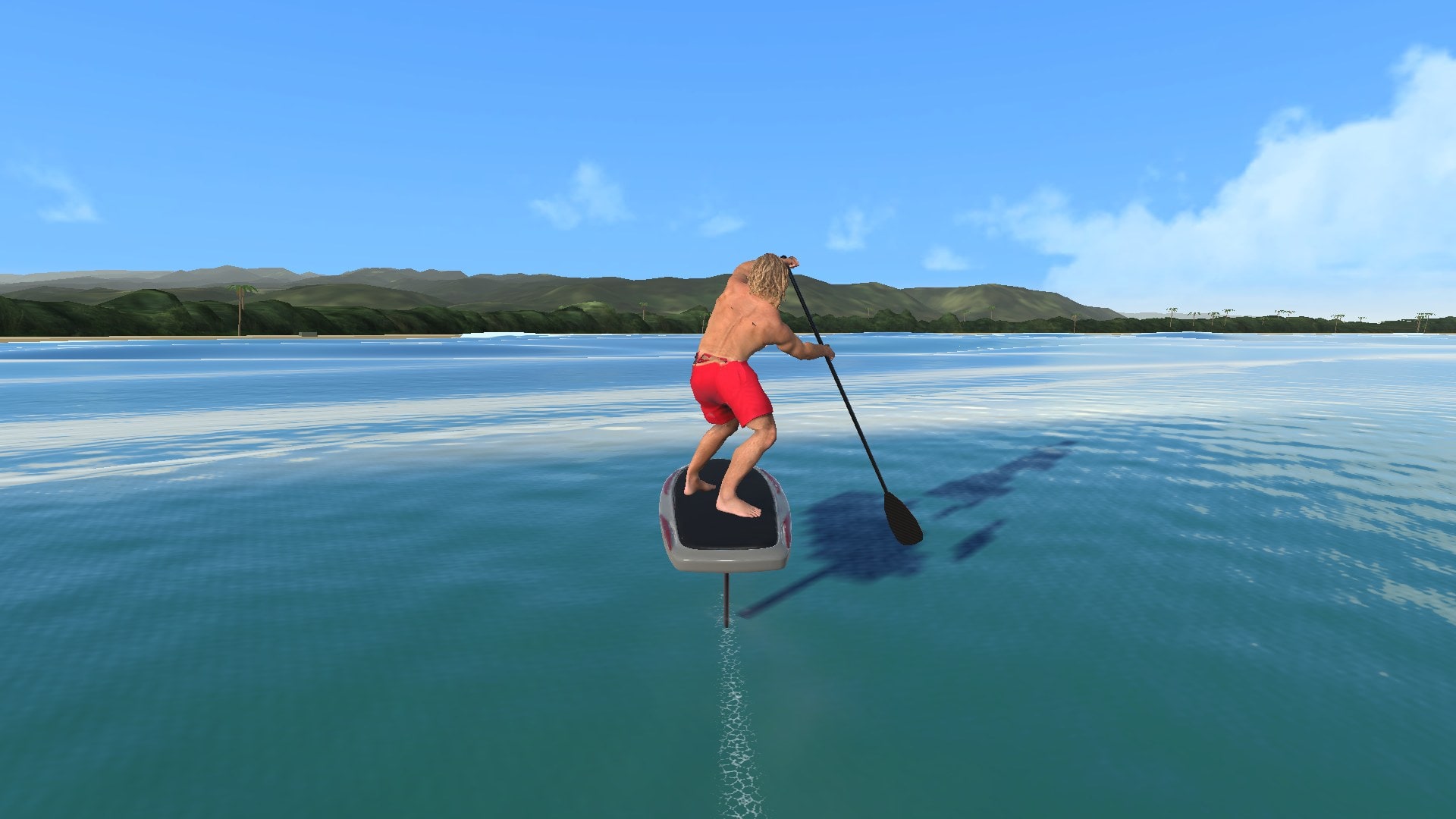
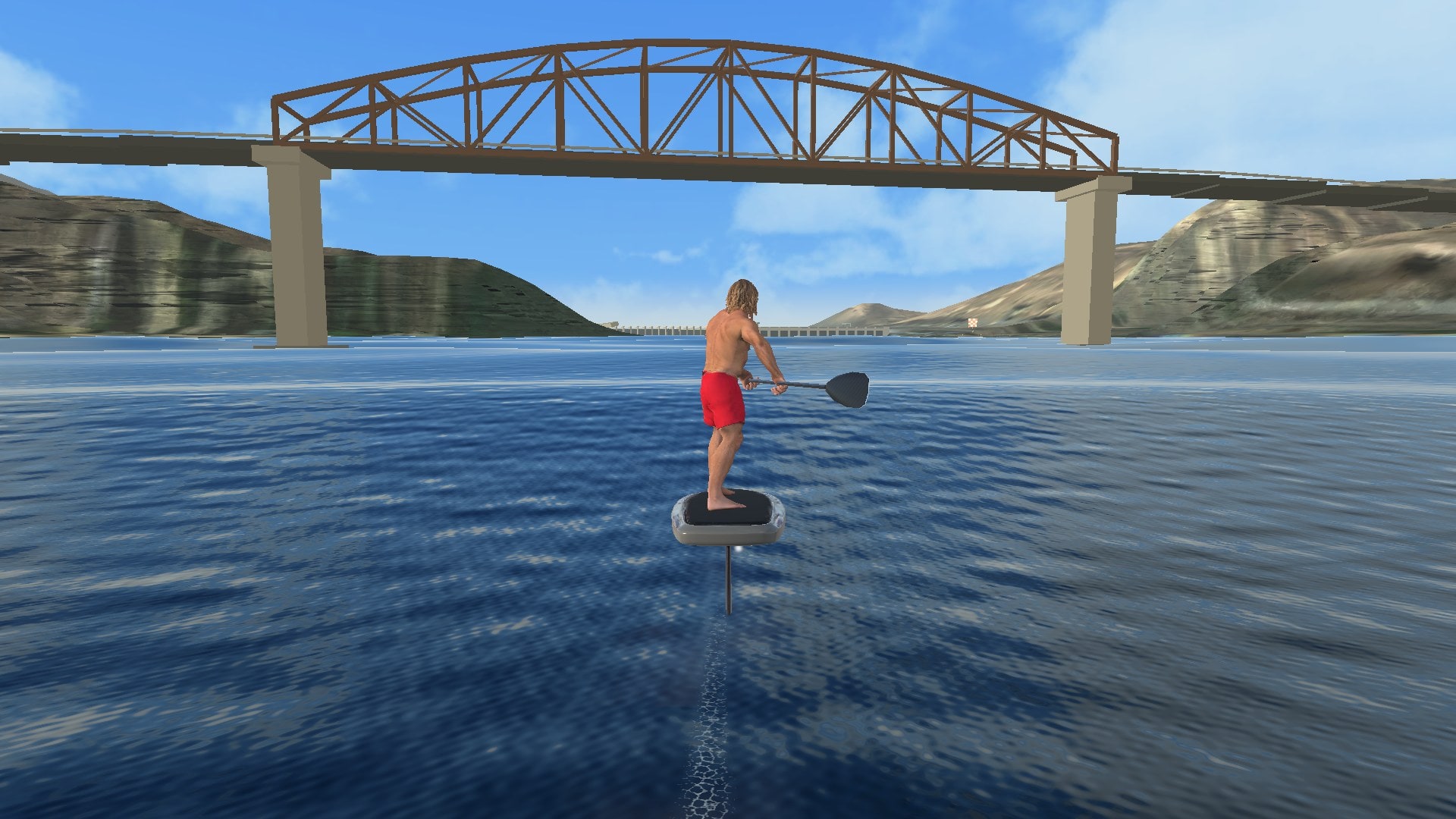
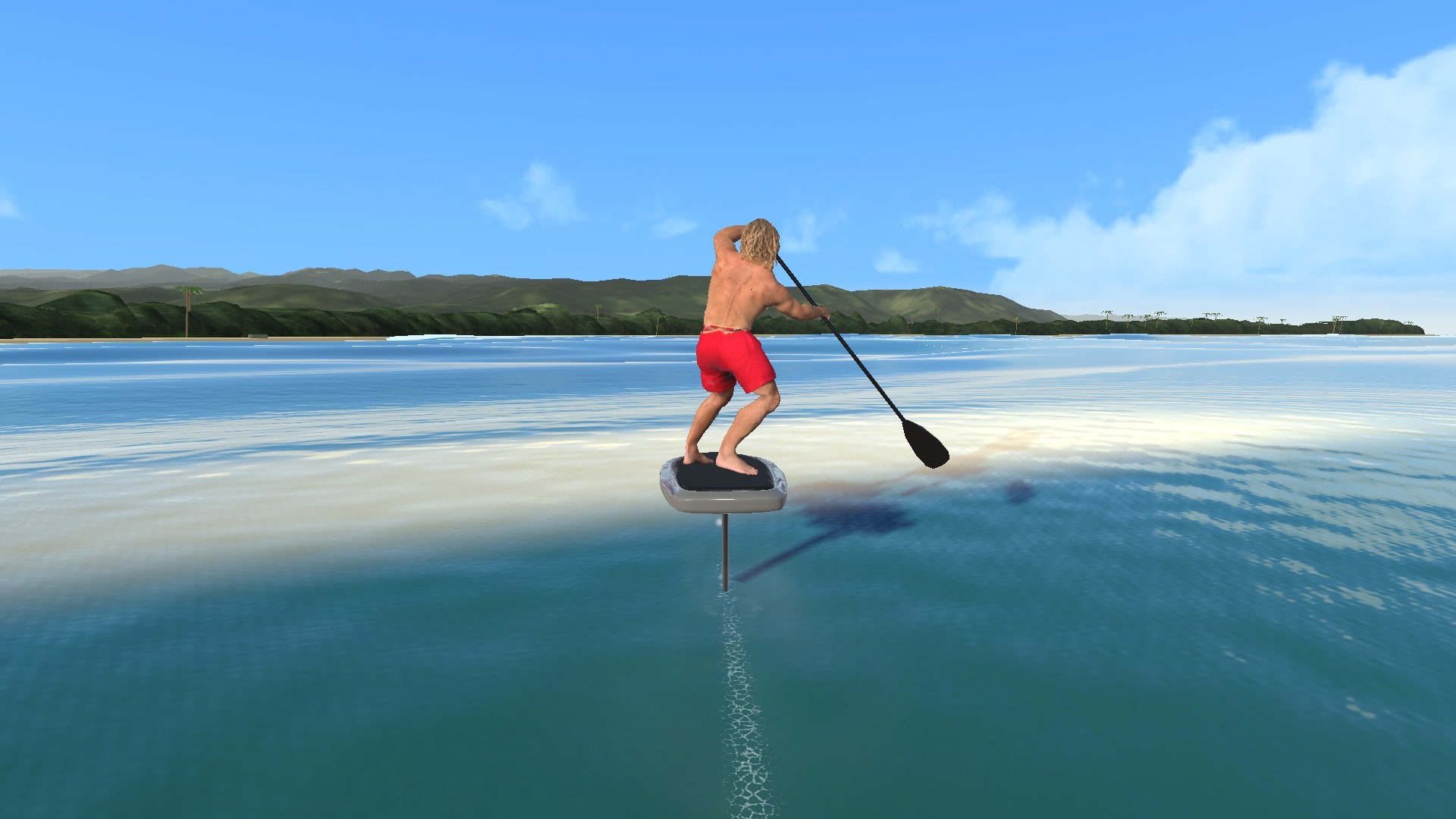
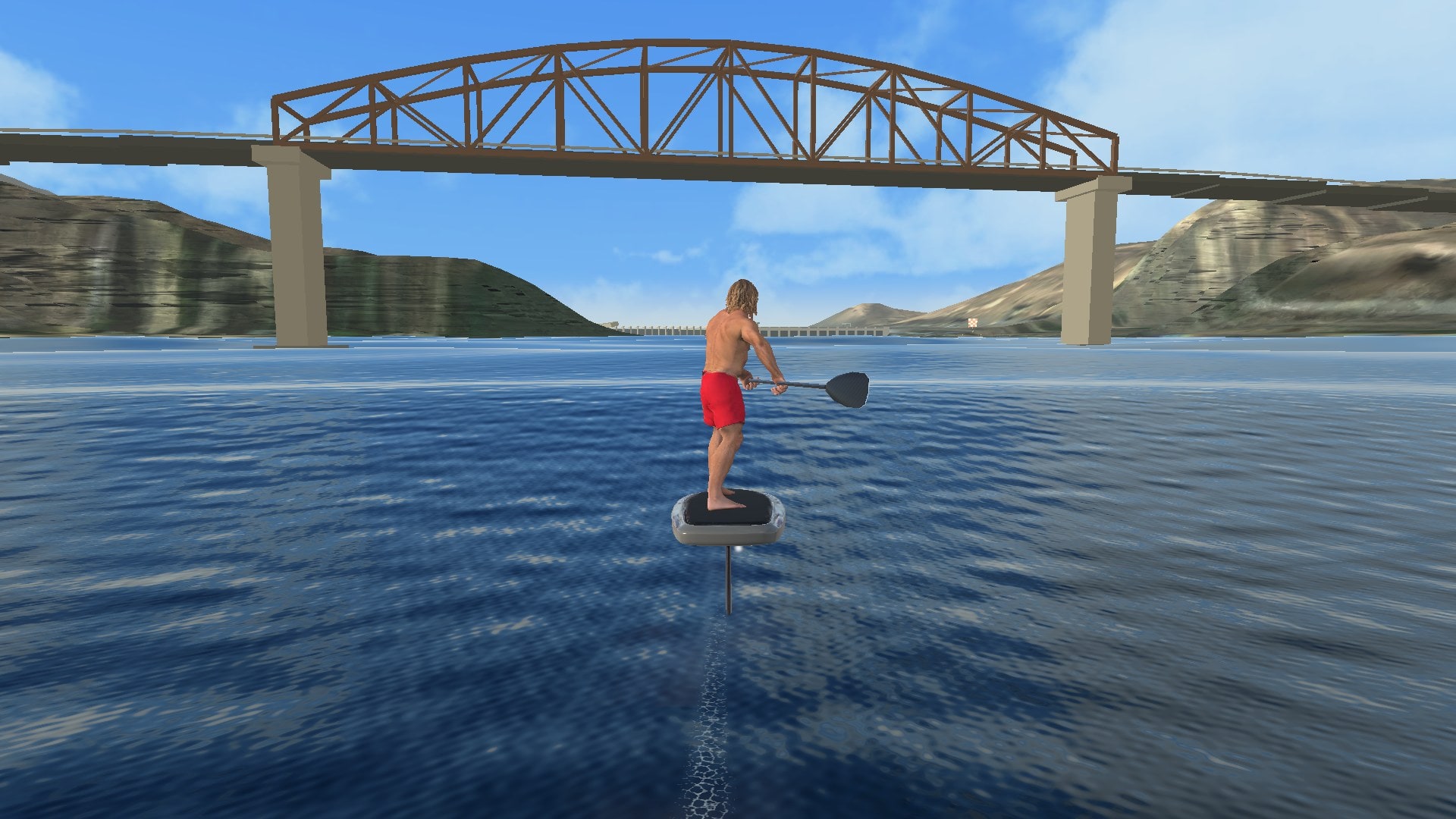
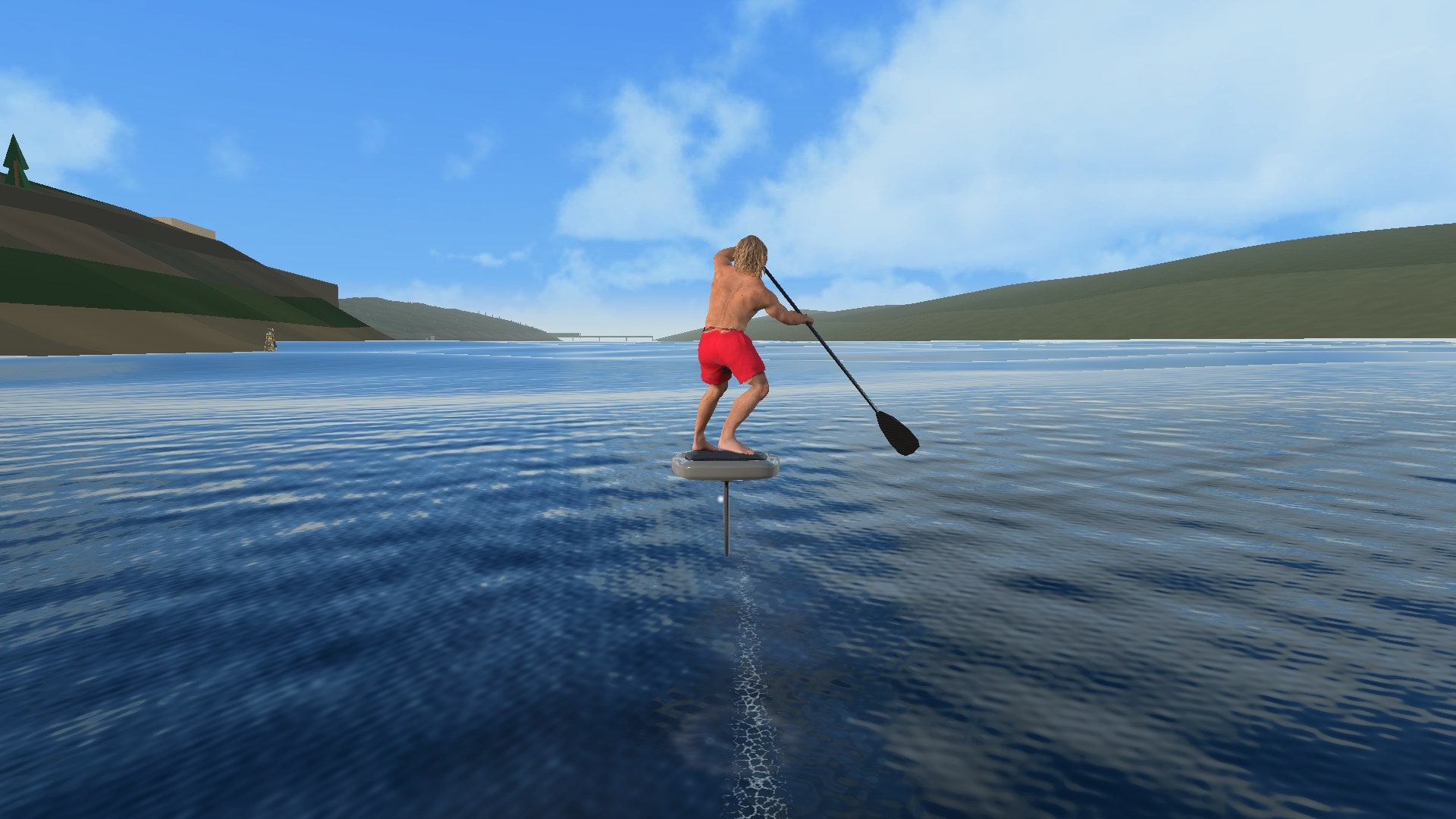
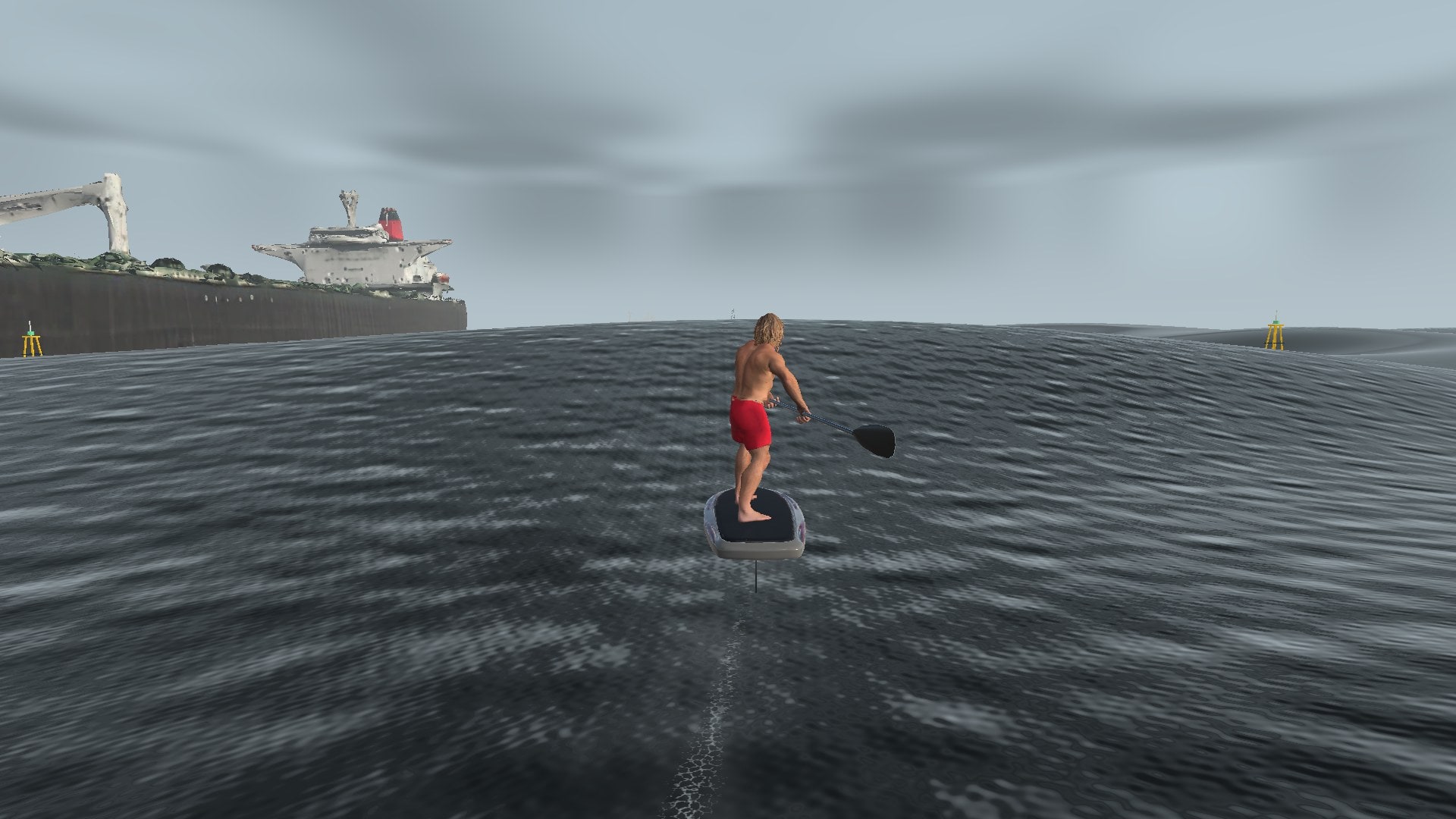
Paddle up and link bumps along a Hawaii coast, down the Columbia River Gorge and through an offshore storm. Carry speed through the turns, pump through the lulls and work your way downwind. Race five courses for Game Center leaderboards. Sharks, whales and lifeguard jet skis share the water. In development for iPhone.
7routes: five race courses, a free-ride playground and a warm-up
11selectable riders and two boards
12sea presets with adjustable swell size, period and direction
10Game Center leaderboards, Easy and Hard for each race course
THE DOWNWIND RUN
Carry speed between bumps.
Once you’re on foil, the run is about making connections. Turn off a face with enough speed to reach the next bump, use a few pumps to cross a flat spot, and adjust your line as the swell changes. Set the conditions yourself, then repeat the same sea to compare your runs.
01 Paddle02 Pump03 Carve04 Boost
GAMEPLAY FOOTAGE
On the water.
Captured in Unity from build 175, the same gameplay as the first TestFlight release. Riding uses scripted controls; wildlife encounters are staged with the game’s own hazards and collision system. Clips are silent.
Stills
CONTROLS
Two thumbs, every move.
Your left thumb works the stick: turns, front foot and back foot. Your right thumb works the Paddle/Pump slider: paddle strokes at the left end, pumps at the right. A SURF button appears once you are flying. Every move in the game comes from mixing those three.
01 / LEFT THUMB
The stick
Push left for a heel-side turn and right for a toe-side turn. The further you push, the harder you bank, and holding it keeps the turn going. Push up to load the front foot for speed; pull down to load the back foot. A quick flick up or down fires a move (see the move map); a slow hold only trims the board.
02 / RIGHT THUMB
The slider
Paddle on the left, Pump on the right. The rider follows your thumb frame for frame: slide toward Paddle and he pulls a stroke, slide toward Pump and he springs up for the next catch. Lift your thumb anywhere and he settles back to his normal stance.
03 / TAP OR HOLD
Buttons too
Tap the Paddle end for one full stroke. Hold the Pump end and he sinks into a crouch; let go and he stands and pushes. A longer hold means a deeper crouch and a bigger push, up to a limit. A quick tap on Pump is one short pump.
04 / SPEED
Front-foot boost
Hold the stick up (front-foot pressure) for about 2 seconds of extra speed, then expect about 2 seconds of drag. Let go to reset. Use wave faces or ease off to recover.
The move map
What each slider side does with each stick position. "Full" means the stick pushed all the way.
Right thumb
Stick centered
Stick left
Stick right
Nothing
Cruise
Heel-side turn
Toe-side turn
Paddle (slide or tap)
Stroke, paddle up
Stroke and turn left
Stroke and turn right
Thumb resting on the Paddle side, stick flicked down
Paddle switch
Reverse-paddle left turn
Switched right turn
Thumb resting on the Paddle side, stick flicked up
Right-then-left carve
Pump (slide or hold)
Pump
Cutback (full left)
Bottom-turn paddle drag (full right)
SURF button (on foil)
Surf stance
Surf heel-side hold
Surf toe-side hold
Moves
In the game
Cutback
Hold Pump and push the stick all the way left. He leans back over his heels, lifts the top hand by his face and drags the blade through the water for a snap turn with spray, then holds it until you let go.
In the game
Bottom-turn drag
Hold Pump and push all the way right. From a deep toe-side turn he drops his hands low and reaches the paddle out and down, dragging the blade through the bottom turn.
In the game
Paddle switch
Rest your thumb on the Paddle side and flick the stick down. He switches the paddle across the board. Push left for a reverse-paddle turn or right for a switched turn; move to Pump, lift your thumb or come off foil and he switches back.
In the game
Surf stance
Tap SURF while flying. He slides his back hand to the middle of the shaft, lets go of the top and rides like a surfer, paddle level at his hip. The stick turns him in surf style. Tap SURF again, paddle, pump or come off foil to grab the paddle again. Core Lord only for now.
In the game
Style moves
Glide quietly for a few seconds and he may let go of the paddle top for a style release, then grab it again, or throw a Hang 10. These fire on their own; you don't need a button.
Being tuned
Right-then-left carve
Rest your thumb on the Paddle side and flick the stick up to link a toe-side carve into a heel-side carve. It fires on a quick flick, not a slow push, and the timing is still being tuned.
In testing
Shark strike
When a shark gets within about 15 feet, the Paddle control changes to STRIKE. He lets go with his back hand and swings the blade down at the shark.
BOARDSSurf SUP Downwind SUP
DIFFICULTYLearning · Medium Advanced
CAMERAAuto · Follow Side
PADDLING AND PUMPING
Paddle up. Pump through.
Paddling gets you up on foil. Pumping keeps you flying across flat spots. Both use energy, and the difficulty you pick changes how strong the pumps are, how big your energy tank is and how much help you get with balance. Wave size is never limited by difficulty.
01 / TAKEOFF
Paddling
Alternate Paddle and Pump on the slider: a stroke, then a spring up, then the next stroke. Each pull buzzes the phone and you can see him speed up. Strokes give full power up to takeoff speed (about 11 mph on the Surf SUP), fade out by about 16 mph, and give nothing above that.
02 / STROKE PACE
Match the water
A stroke matched to your speed holds your pace and costs no energy on the water (lime ring). A bit faster adds a little speed (yellow). Much faster still pushes but drains energy fast (orange). Too slow gives no push and still drains (grey).
03 / IN FLIGHT
Pumping
Hold Pump to crouch and let go to push, or slide back and forth. A steady hold, release and pause is the most efficient way to pump; fast tapping drains quicker. Above 16 mph a pump adds only a small push, gone by 20 mph. Past that, the waves are what make you faster.
04 / ENERGY
You can't pump forever
Pumps and flying paddle strokes draw from the same energy tank. On Medium, pumping alone keeps you flying for roughly 10 to 12 seconds. The phone buzzes when the tank gets low in flight. Riding a wave face costs nothing, so linking bumps is how you go far.
How difficulty changes it
Settings > Difficulty. Values are relative to Medium.
Learning
Medium
Advanced
Pump power
3x
1x
1x
Energy tank
5x
1x
1x
Cost of each pump
Free when well timed
Normal
About twice Medium
Pump timing window
Widest (±25%)
±18%
Tightest (±12%)
Balance help
5x
1x
Almost none
Skimming the surface before you drop off foil
About 1 second
About 0.65 seconds
About 0.4 seconds
Extra help
Pulsing L / R arrows show the takeoff rhythm, extra wave push, a forgiving glide and a few seconds to recover after touching down
Some extra hold on wave faces
None
Pumping alone on flat water
About 20 seconds of flight
About 12 seconds
Shortest
Every difficulty lets you choose any wave size. Race times count on Learning, so everyone races with the same help (see Races).
OCEAN AND FOIL PHYSICS
Lift, drag and moving water.
Voyager calculates lift and drag from the water moving past the foil. Speed, bank and trim change the forces through a turn, while adjustable assistance helps with stability and recovery.
View game capture ↗The rider and board in flight. The equations below describe the forces used by the simulation.
01 / THE OCEAN
Crossing swell
η(x, t) = Σ Aᵢ cos(kᵢ · x − ωᵢt + φᵢ)
The surface combines wave components with their own amplitude, direction, phase and frequency. Wind swell and ground swell overlap, changing the shape of the faces as they pass through one another.
Read the wave math
A sets amplitude, k sets wavelength and direction, and ω sets angular frequency. The model uses the deep-water relationship ω² = gk: longer waves travel differently from short chop. Surface height and slope help the game identify useful wave energy; that riding cue is a gameplay estimate, not a measurement in joules.
02 / THE FOIL
Speed and lift
L = ½ ρv²SCL
The foil responds to speed relative to the moving water. Wing area and angle of attack affect lift too, so two moments at the same displayed speed can feel different. Drag grows with that same dynamic pressure.
Drag terms
Drag follows D = ½ ρv²SCD. Voyager combines profile, lift-induced, and near-surface spray terms. Its induced-drag coefficient uses CDi = CL² / (πeAR), linking lift demand to wing aspect ratio and efficiency.
03 / THE BALANCE
Pitch and trim
α ← pitch + flow angle + wing setup + trim
Your foil meets water that is already moving. Changing pitch or trim changes its angle of attack, affecting lift and drag. Push beyond the model’s stall angle and lift falls away; bring a wing through the surface and support changes again.
Bank, stall and immersion
The front wing and stabilizer contribute forces and pitch moments. Bank into a turn and some support points sideways. Demand more lift and induced drag rises. The model also responds to stall and wing immersion, with assistance adjusted by difficulty.
LIFT AND DRAG / SPEED SQUARED
Double the flow speed.
Hold wing area, water density, and coefficients fixed. Change only the water-relative speed.
1.00×lift & drag multiplier
Illustrative equation, not live game telemetry. During a ride, angles, coefficients, immersion, and assists also change.
Voyager combines spectral waves, simplified hydrodynamics, and gameplay assistance. The wave-energy cue estimates useful riding conditions from the surface; it is not an energy reading in joules. Read the field notes and equations ↗
LINE CHOICE
Set up the next connection.
Change one setting and repeat a run to compare your speed, ride height and turning room. The same stretch of water gives you a way to judge each adjustment.
Wave-reading sketch. A possible line, not a map of measured energy.
01 / READ
Read the face
Watch the direction of the face as well as its height. The push you can use depends on your heading, speed and position on the bump.
02 / CONNECT
Connect the bumps
Build speed down the face and turn toward the next bump before the swell flattens. Pump through the gap when you need to, allowing for the energy each pump uses.
03 / FEEL
Manage ride height
Speed, trim and wing immersion determine how much support you have. A steep bank increases the lift required to hold your height.
Real waves transport energy. Voyager models the moving water and foil forces, with added wave-face support and recovery assistance for playability. These relationships can be explored in the game; actual foiling still requires on-water instruction and judgment.
Steering response softens small stick moves around the center without changing full lock. Invert vertical stick swaps front foot and back foot. Tilt steering lets you steer by tilting the phone. Steering mode picks Weight-grip (the default) or the older Current steering.
CAMERA
Camera views
Auto picks a view for you, Follow stays behind the rider and Side tracks across your line. Follow has Close ride or Read the sea, which shows more water ahead. Side camera looks ahead swings the camera a little behind you as you speed up, so about 3 seconds of water and hazards come into view sooner.
HELP
Riding assists
Riding tips show short hints. Catch feedback plays a sound when a wave pushes you. Wave guides can highlight crests, tint the faces that will push you and mark reachable faces. Wave-face push, Learning glide relief and Pump push above 16 mph can be switched off to compare ride feel.
FEEL
Haptics and sound
The phone buzzes for pump thumps, paddle catches, takeoff and touchdown, the breach warning, bump catches, cutbacks, wipeouts, wildlife, close hazards and the finish. Ocean and riding audio, units (mph and feet, or km/h and meters) and frame rate (60, 40 or 30) are all in Preferences.
RIDER
Rider and board
Pick your rider and board. The Downwind SUP takes off more easily and turns a little slower than the Surf SUP. Both use the same carbon foil. Body pump animation shows the rider compressing with each pump.
OCEAN
Custom seas
Start from one of twelve sea presets, from Glassy Groundswell Reef and Gentle trades to Storm silver. Then set wave height, interval and spread, add a second swell with its own size and compass direction, and pick a water look.
WILDLIFE
Wildlife and lifeguards
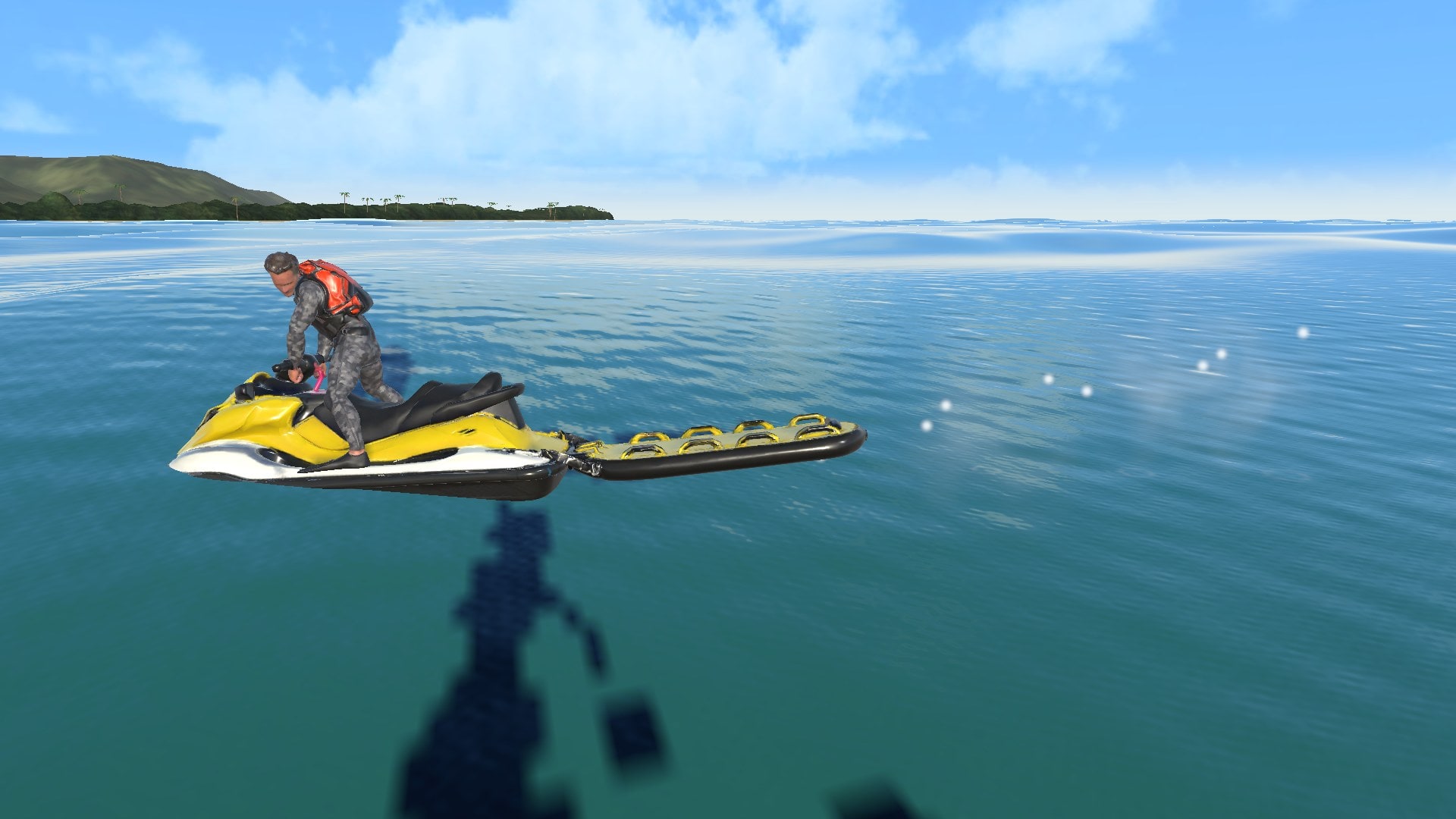
Set how often sharks, whales, sea turtles and lifeguard jet skis show up, and how aggressive they are, from Off through Calm and Normal to Spicy. Intensity 0 keeps every encounter harmless.
NAVIGATION
Map and timing
Water arrow lights a patch of sea pointing toward the finish. The route map can show the coastline, start and finish, your position and your trail. Choose which run details to show: course name, distance left, elapsed time and your personal best.
RACES AND LEADERBOARDS
Same sea. Fair race.
Each race course has two race seas, Easy and Hard. Every rider on a course and sea gets the exact same waves, because the sea is built from a fixed seed. Your best time goes to that course's Game Center leaderboard.
01 / EASY
Easy sea
The default when you pick a race course. Big swells, both running down the course (about 8.8 ft and 7.8 ft). Plenty of push if you stay on the bumps.
02 / HARD
Hard sea
A little smaller, with one swell running down the course and one crossing it, about 9.5 ft combined. Still lots of energy, but you have to know where to go.
03 / RULES
What counts
A race time counts with the Downwind SUP, Learning difficulty, normal wildlife and all assists on, on the Easy or Hard sea. Change any of that or any sea setting and the game tells you the run won't count. You can still ride it as a custom run, unranked.
04 / LEADERBOARDS
Game Center
Ten leaderboards, one for each race course on Easy and on Hard, ranked by best time to a hundredth of a second. Signing in to Game Center is optional. Skip it and the game still keeps your personal best for every route.
The five race courses
Each race takes about 5 minutes on the Easy sea.
Course
Where
Length
Hard sea
Viento Express
Columbia River Gorge (fictional)
About 1.5 mi
River swell plus chop crossing it
Tourist Bay to TourBus Beach
Hawaii
About 1.5 mi
Trade swell down the coast plus a groundswell square across it
Rufus to Giles French
Columbia River Gorge
About 1.5 mi timed
River swell plus chop off the open river
The Hatch
Columbia River Gorge
About 1.5 mi
River swell plus chop off the Oregon side
Bering Run
Offshore storm (fictional)
About 1.9 mi
About 16 ft with one swell across (Easy is 20 ft)
Game Center leaderboards are live in the TestFlight beta. Signing in is optional: post a time from the race finish screen. The warm-up and the Outer Hawaii foil playground are free rides, not races.
THE ROUTES
Hawaii. Columbia Gorge. Open ocean.
Seven routes. Each one loads its own default sea when you pick it, with the swell running along the course. Race courses open on their Easy race sea. After that the sea is yours: change the preset, wave height, interval, spread and second swell for any route and ride it as a custom run.
01
Tourist Bay
A downwind race along a Hawaii coast, from off Sunburn Shallows to TourBus Beach. This is the wildlife route: sharks, whales, sea turtles and lifeguard jet skis all share the water. The water arrow leads you around the headland first. Coast sheltering, off for races, can calm the swell near shore when you ride a custom sea.
Tourist Bay to TourBus Beach · race · about 1.5 mi
TOURIST BAY / HAWAIIOPEN COAST
02
Rufus
Down the Columbia River from Rufus toward Giles French Park, built over real terrain data. Link wind bumps under the bridge with river traffic and lifeguard jet skis around you.
Rufus to Giles French · race · Columbia River Gorge
RUFUS / GORGEUNDER THE BRIDGE
03
The Hatch
Launch east of Spring Creek Hatchery and ride about 1.5 mi to the mouth of the White Salmon River. Its Hard sea throws chop across the river from the Oregon side.
The Hatch · race · Columbia River Gorge
THE HATCH / GORGERIVER RUN
04
Bering Run
A fictional 1.9 mi offshore race between weather-buoy gates in a storm sea, 20 ft combined on Easy. Passing ships leave wakes you can ride. Shipping traffic and storm lighting each have their own switch.
Bering Run · race · offshore storm · fictional
Race
Viento Express
A fictional 1.5 mi Columbia Gorge race with river swell. The default route on Medium and Advanced.
Free ride
Outer Hawaii foil playground
Long, changing shoulders outside the Timeshare Point lineup. Go left or right, then kick out at the offshore buoys. Loads two swells (8.8 ft and 7.8 ft) running down the course with soft blue water. No race, no clock pressure.
Warm-up
Rufus Practice 400
A short, fictional Gorge warm-up, about 1,300 ft. The default route on Learning.
The coast and river routes draw on real places, with renamed spots; Viento Express, the practice run and Bering Run are fictional. Scenery is still being refined.
INTERACTIVE WAVE LAB
Crossing swell.
Mix short wind swell with a longer ground swell, then move both toward a beach or reef shelf. Shallow water shortens the wavelength and bends the wave paths toward shore.
An educational wave model. Height here means crest to trough for each simple wave. The game uses a spectrum of many components; its wave-size setting describes a sea state. Coastal effects here are a teaching extension, not a simulation of either race course.
Wind directionGround directionSeabed
ω² = gk tanh(kh)
Across the beach shelf, both wave trains slow and shorten near shore. The wind swell turns from 55° to 17°, while both selected periods stay fixed.
Wind wavelength
56 m → 20 m
Ground wavelength
229 m → 44 m
Wind direction
55° → 17°
TRAFFIC / WILDLIFE
Wildlife and traffic.
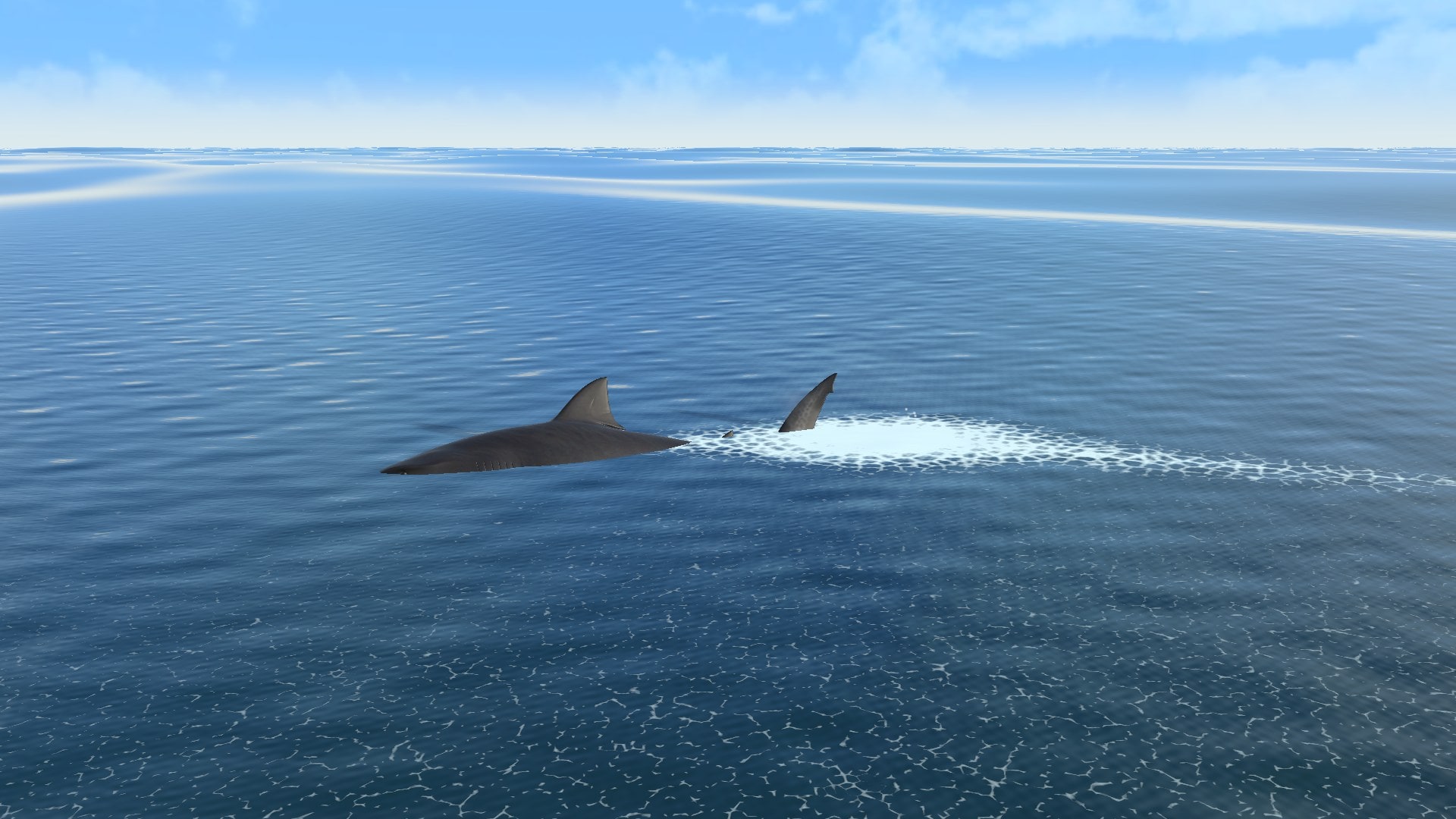
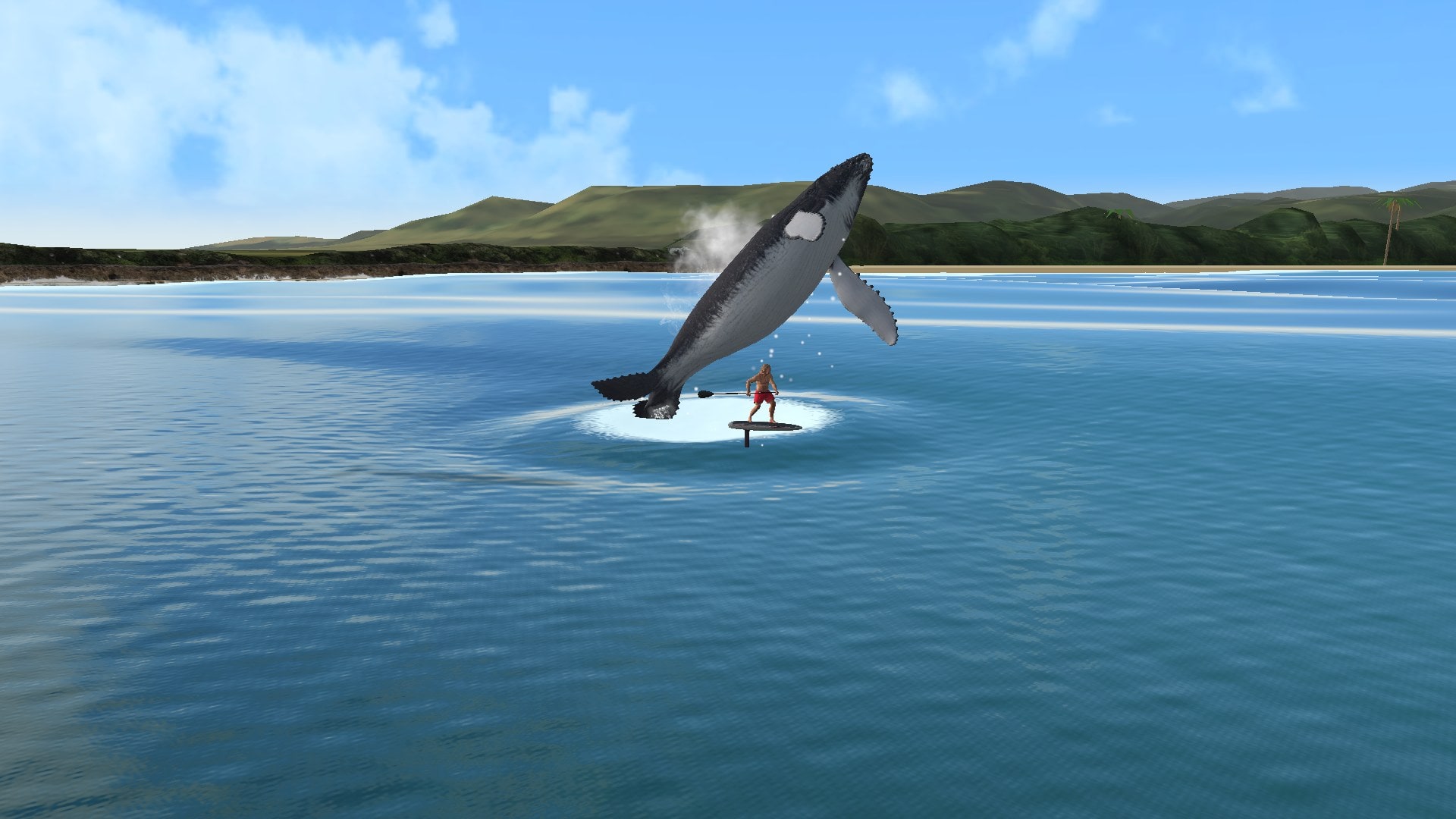
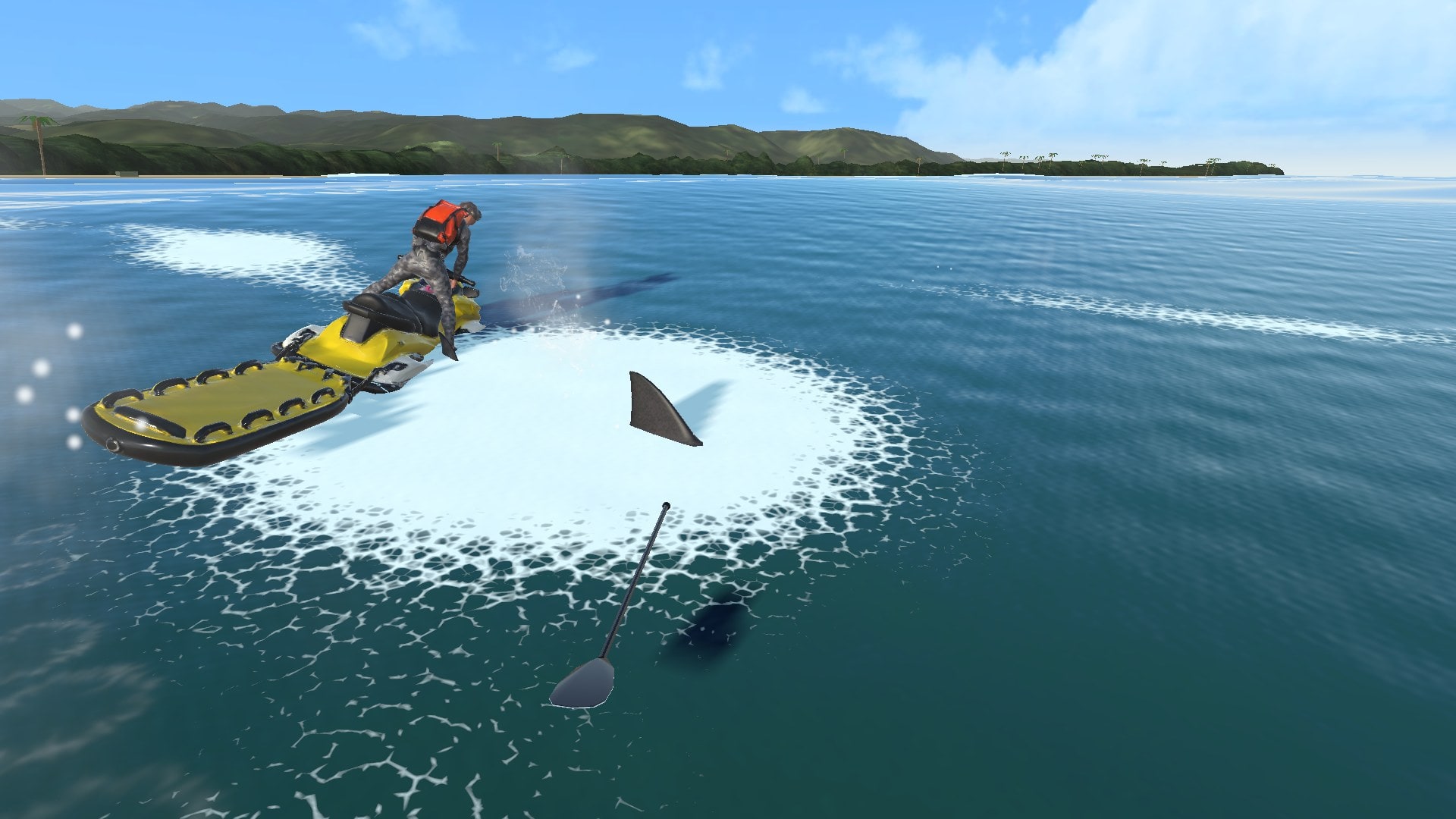
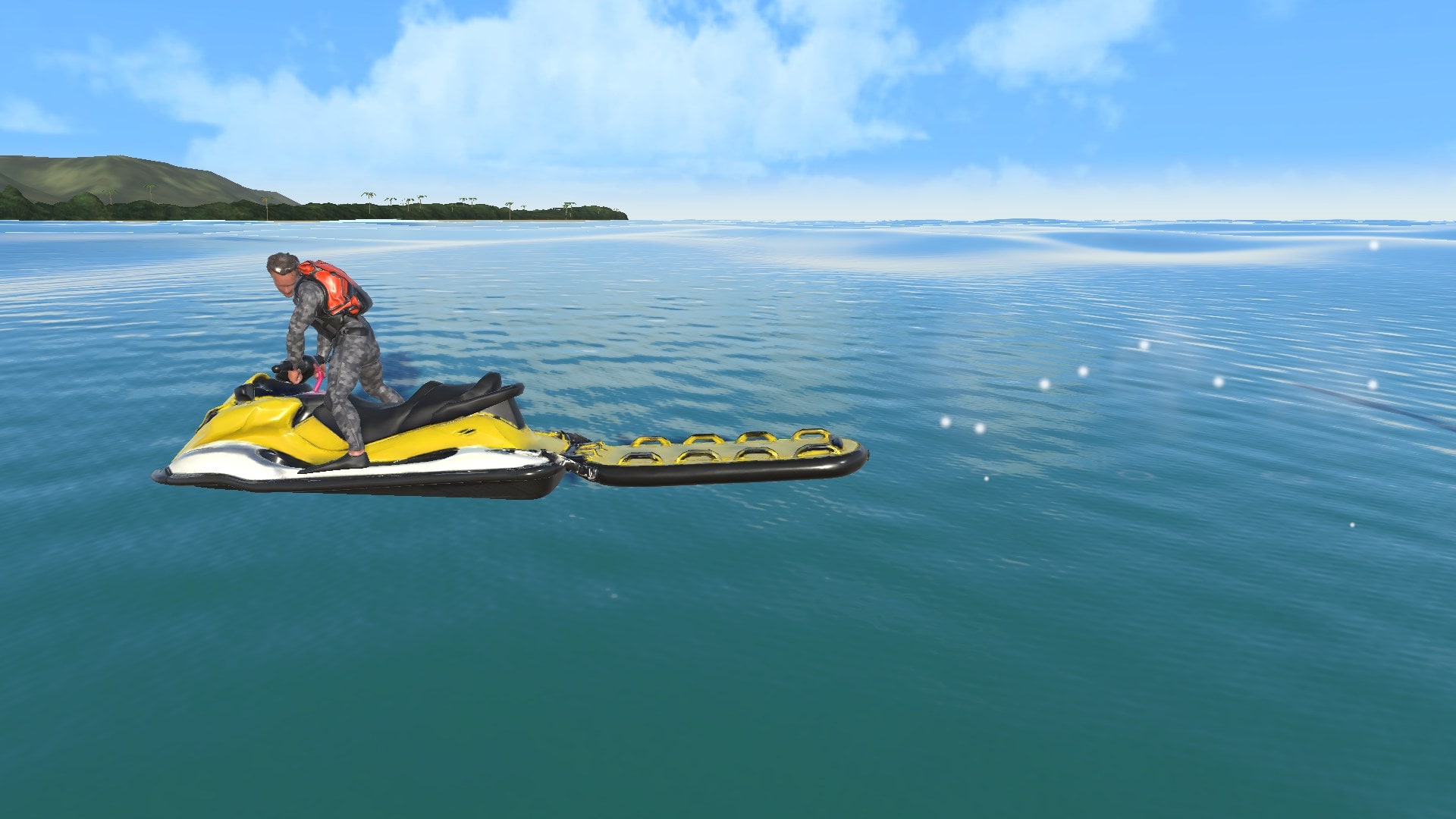
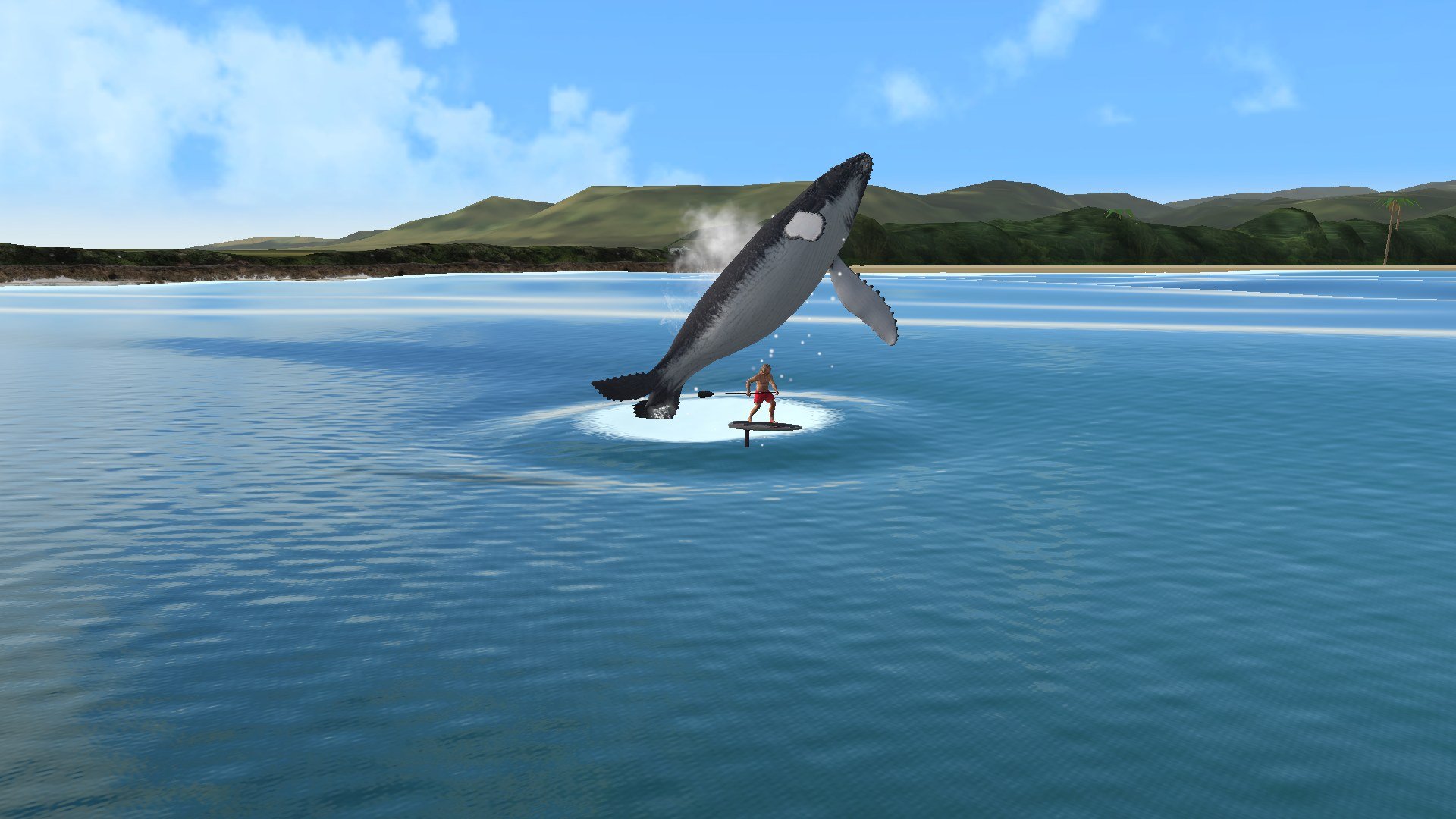
Sharks circle before striking, whales breach, and sea turtles surface along your line. Lifeguard jet skis, barges and ships cross the course. Collisions throw the rider according to the angle of impact. Adjust each hazard’s frequency and intensity in the settings.
HAZARD / 01SHARK
01Sharks
HAZARD / 02PWC
02Jet skis03Whales
HAZARD / 04SEA TURTLE
Honu surface to breathe, leaving a splash. A collision stops the foil and throws the rider; the turtle dives away unharmed.
04Sea turtles
FROM THE GAME
Sharks, whales and rescue crews.
A closer view of the animals and rescue craft sharing the course at Tourist Bay. Captured in the game.
Shark attackTourist Bay · game captureRescue craftTourist Bay · game captureBreachTourist Bay · game capture
THE RIDER ROSTER
Choose your rider.
The game’s rider chooser has eleven riders. Eight are shown here with their portraits and 3D models; the three newest, Homie, Chloe and Nipple Ring new, are not previewed yet. Every rider except Core Lord is still marked as a candidate, and Nipple Ring, Homie and Nipple Ring new ride goofy-footed.
PLANNED DEVELOPMENT
In the works
Races, wildlife and the storm run are in the current build. The items below are in progress or planned.
01 / OCEAN
Windy-day water
Whitecaps across the whole sea, foam streaks drifting downwind and short wind chop on top of the swell. Looks only: the waves you ride stay the same, so race seas and leaderboards are not affected. Then storm spray blowing off the crests on the Bering Run.
Wind chop look · in progress02 / EXPRESSION
Rider styles
Individual stances, paddle carries and turning styles for each rider.
Distinct movement styles · planned03 / EQUIPMENT
A foil quiver
A choice of foils with different takeoff speeds, glide and turning characteristics, with selection and tuning planned.
Foil selection and tuning · planned04 / COASTLINE
More coastal detail
Tourist Bay and Rufus already use satellite and aerial imagery. More work will add detail to the headlands and the beach finish, as seen from the water.
Coastal scenery pass · planned
IPHONE BETA
Beta access.
Voyager is in development for iPhone. A limited beta is planned once ride feel, courses and performance are ready.